Your first trade
Domestic Monero matches you with a counterparty for a peer-to-peer  trade against
  BTC,
BTC,  LTC,
LTC,  ETH,
ETH,  SOL, or
  USDT. You browse or post offers, or accept one. There is no user-to-user chat.
There is no separate support account, help desk chat, or third-party recovery service for Domestic Monero. Message the official bot only.
Official bot: @domestic_monero_bot — Open Mini App
BUY vs SELL
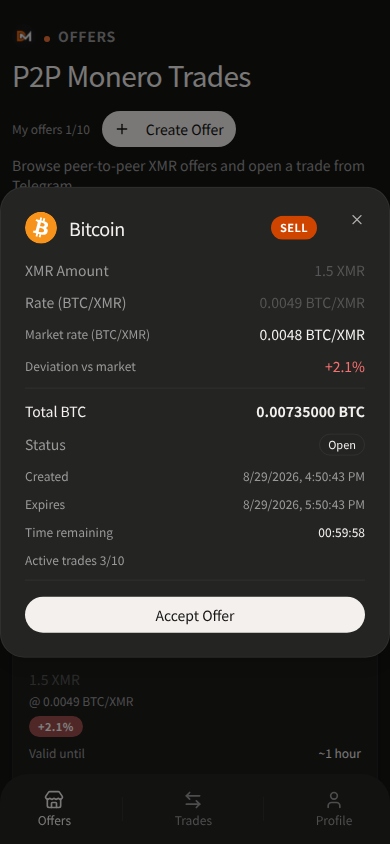
Offer chips are the maker’s intent, not the trade Role:
- BUY (Buying XMR) — the maker wants XMR
- SELL (Selling XMR) — the maker sells XMR
Role: Seller always stakes XMR to the trade’s Multisig wallet address.
- Accepting a SELL offer makes you the Buyer
- Accepting a BUY offer makes you the Seller who stakes
If you create a SELL offer, you are the seller. If you create a BUY offer, the taker who accepts becomes the seller and stakes.
Register wallets on Profile when a gate requires them — Wallets and gates.
Suggested order
- Open the official bot.
- Confirm Profile wallets if you will create or accept an offer that gates you.
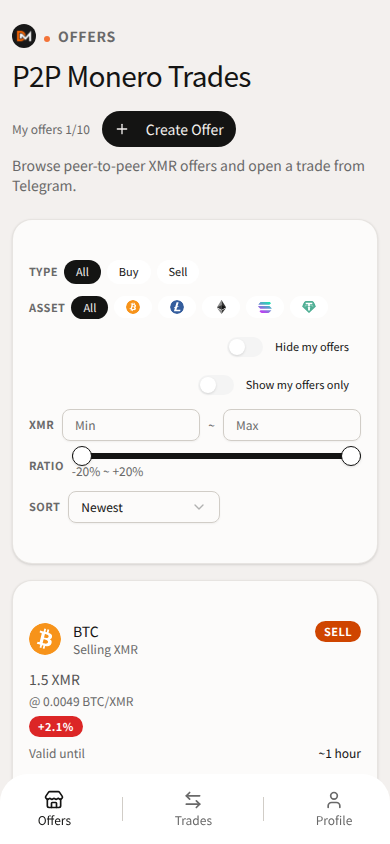
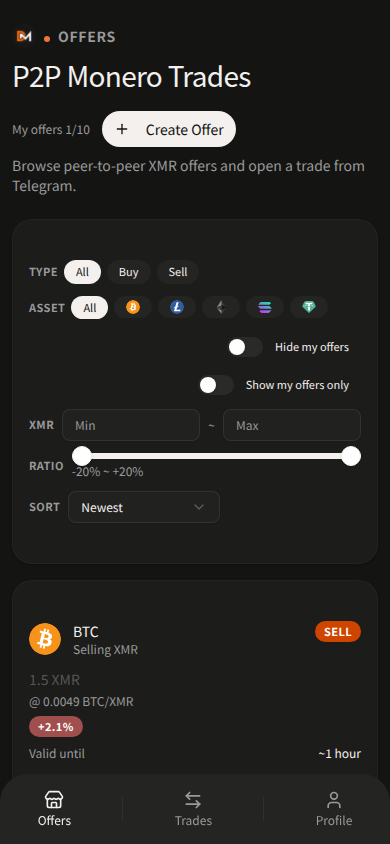
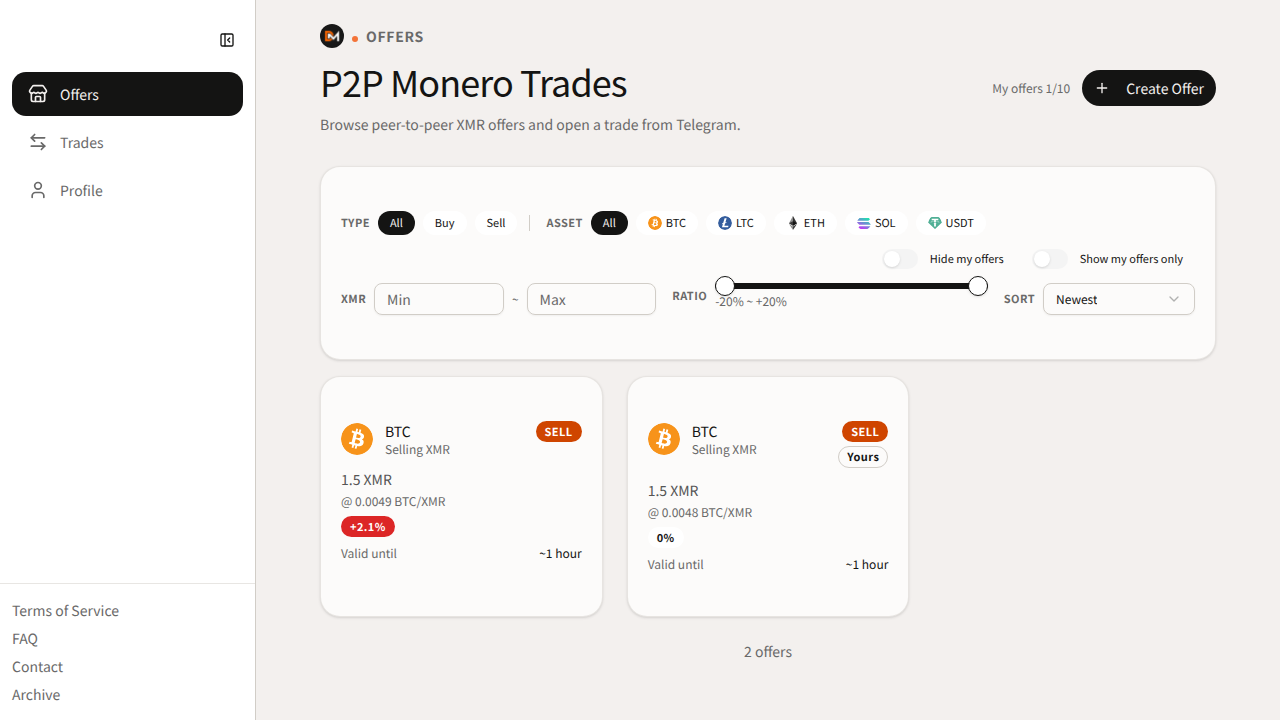
- Browse Offers (filters Buy / Sell, asset, ratio) or tap create. Rate must stay within ±20% of market (asset per 1 XMR).
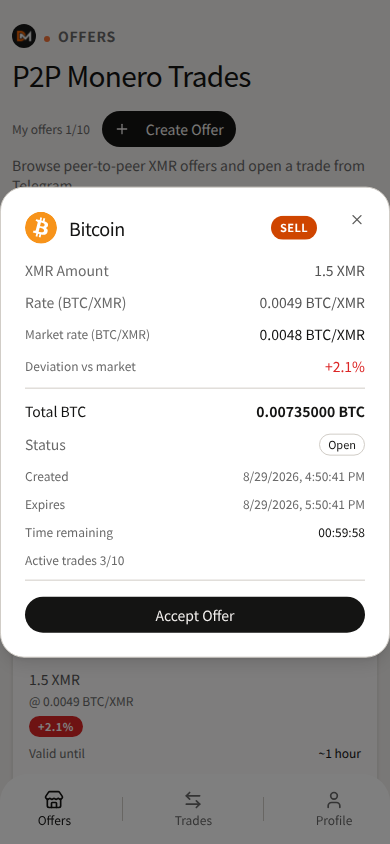
- Review the offer, then Accept Offer — or wait for optional auto-match if you enabled it.
- Save your trade share when the trade is created. The app will not show it again after you agree.
- Follow the chips below. Do not send payment until the seller has staked and the app shows the payment address.
Offer cards may show Expires in / ~1 hour. That is a remaining-time bucket, not “offers always last one hour.” Detail view uses a timestamp plus a live countdown.
Fee % appears on Create Offer preview only — Fees.
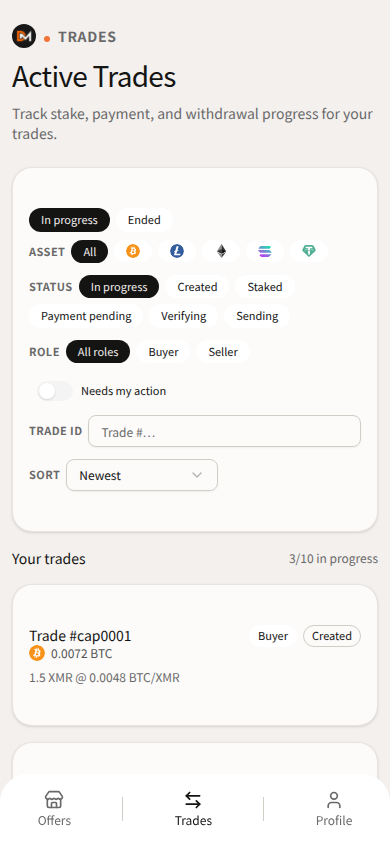
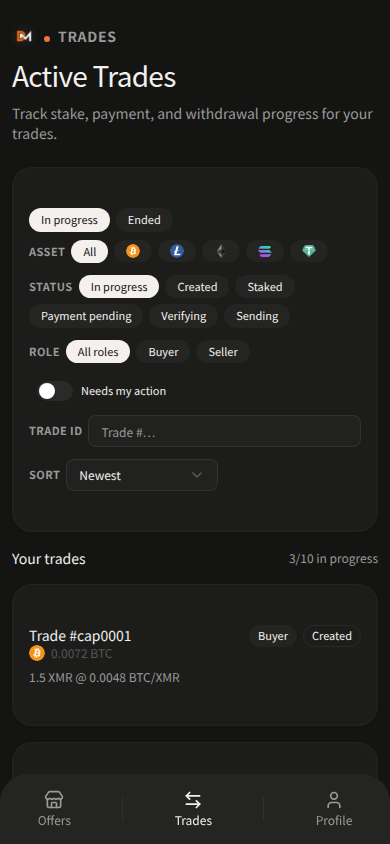
Trade stages
Chips in the Mini App:
Created → Staked → Payment pending → Verifying → Sending → Done (or Cancelled)
| Chip | What happens |
|---|---|
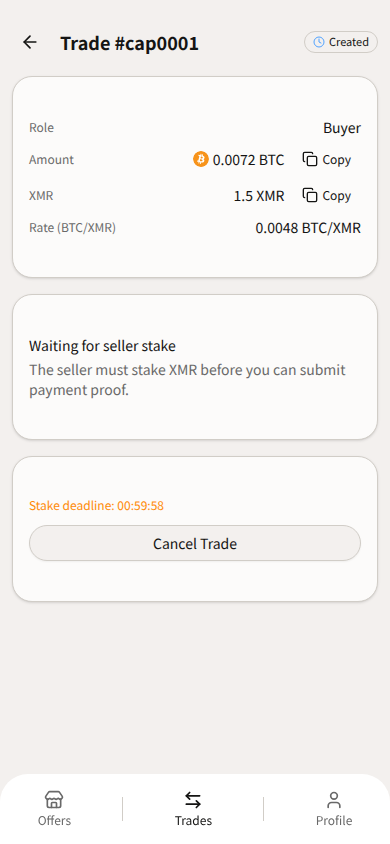
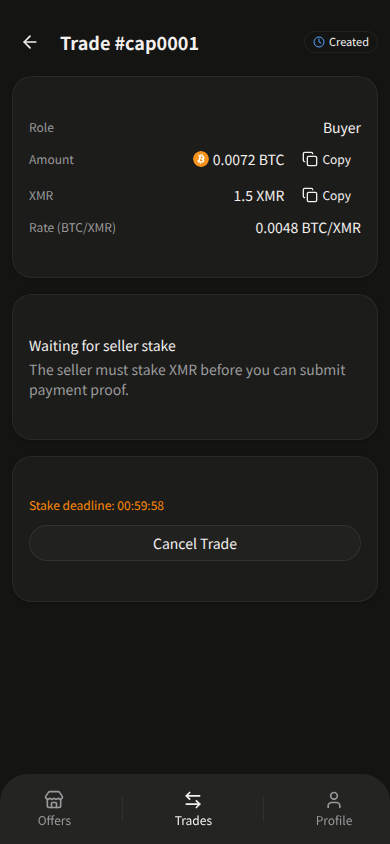
| Created | Trade exists. Seller must send XMR to the displayed Multisig wallet address. Cancel Trade is available on this chip only. |
| Staked | Stake is in. Buyer sends the listed payment on-chain, then Submit Proof with the TX Hash. |
| Payment pending | Waiting on the buyer’s proof. “The seller must stake XMR before you can submit payment proof.” appears before stake. |
| Verifying | Waiting for the payment asset’s confirmations (count varies by asset — Payment proof and confirmations). Watch Verification deadline:. Buyer later taps Receive XMR with their trade share. |
| Sending | “Sending XMR to your address...” The platform retries until the transfer succeeds. |
| Done | “Trade completed” (optional TX hash). |
| Cancelled | “Trade cancelled” plus a reason. If the seller still has stake in the trade wallet, they use Request refund, not Cancel Trade. |
Cancel Trade is Created only. After Staked, that button is gone. See Cancel Trade, Cancel Offer, and /support.
Payment and settlement
Payment is on-chain to the address the app shows. Off-chain, exchange-internal, or private transfers cannot be verified. Confirmation counts and payment/proof timeouts vary by asset — see Payment proof and confirmations. USDT is ERC-20 on Ethereum mainnet only.
Each party saves their own trade share. The buyer later taps Receive XMR; the seller never taps Receive XMR for the buyer. After a cancel with remaining stake, the seller taps Request refund. Settlement still has to match trade state — the Service coordinates it. See 2-of-3 multisig.
If something feels wrong
Stop. Do not send crypto to addresses from side chats. Re-check Verify official channels. For a stuck trade, read the detail screen (state + countdowns), then message /support with Trade #ref and the current chip.
Last updated: 21 September 2026.