Cancel Trade, Cancel Offer, and /support
There is no dispute screen and no in-app arbitration. You see Trade cancelled plus a reason, or you message the official bot.
There is no separate support account, help desk chat, or third-party recovery service for Domestic Monero. Message the official bot only.
Official bot: @domestic_monero_bot — Open Mini App
Cancel Trade
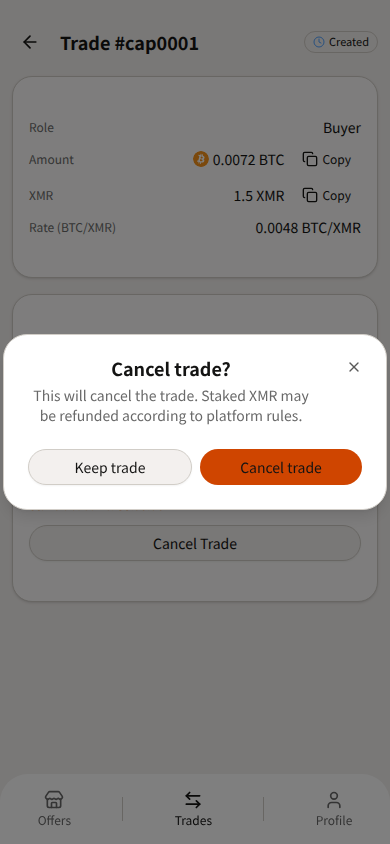
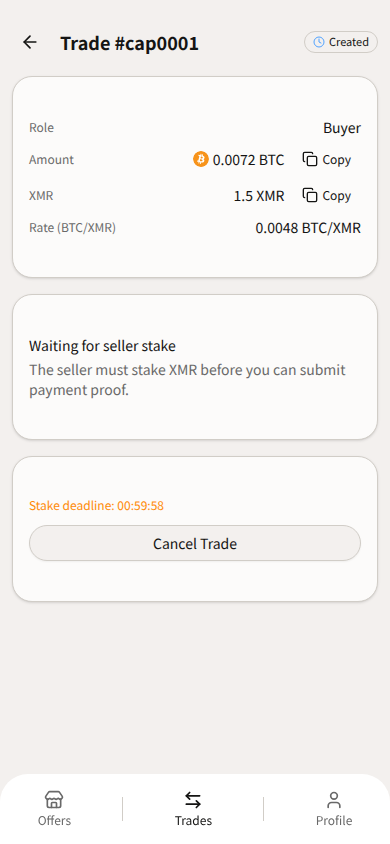
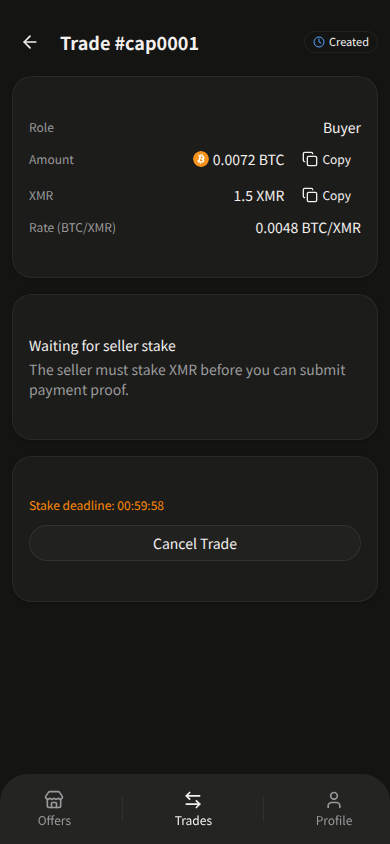
Who: Buyer and Seller. Chip: Created only. After Staked, the button is not shown (buyer sees Submit Proof; seller waits for payment).
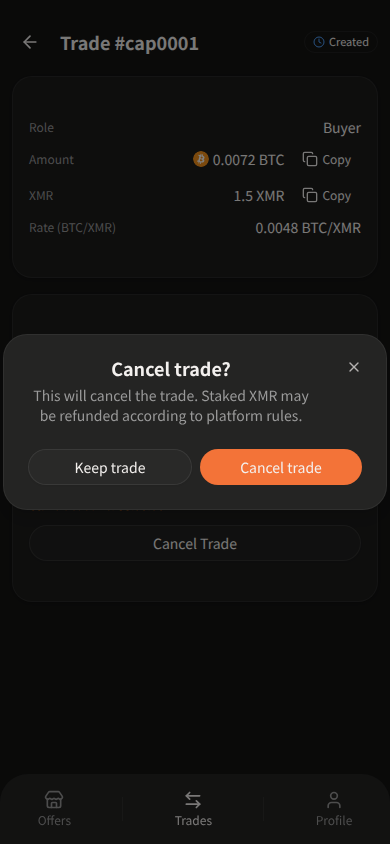
Button: Cancel Trade. Confirm: “Cancel trade?” / “This will cancel the trade. Staked XMR may be refunded according to platform rules.” / Keep trade / Cancel trade.
The dialog mentions staked XMR, but the button only appears before stake. After a later auto-cancel, the seller reclaims with Request refund, not Cancel Trade.
Cancel Offer
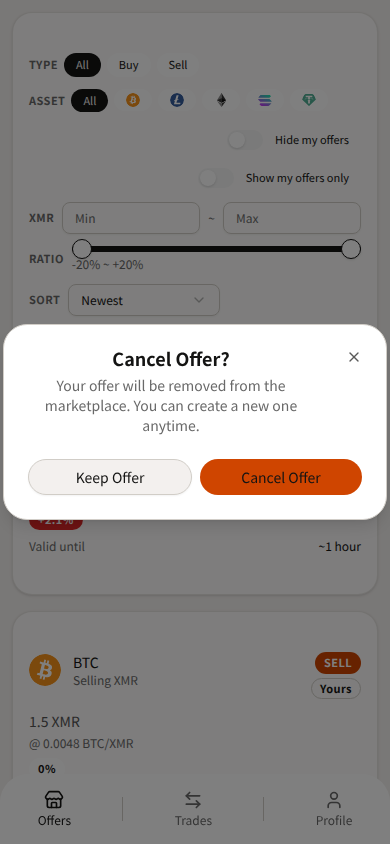
There is no edit, no “close listing,” and no duration picker. The maker action is Cancel Offer, and only while the offer is Open and not expired.
Matched / Expired / Cancelled: the button can show but stays disabled. Takers see Accept Offer, not cancel. On your own offer: “This is your own offer.”
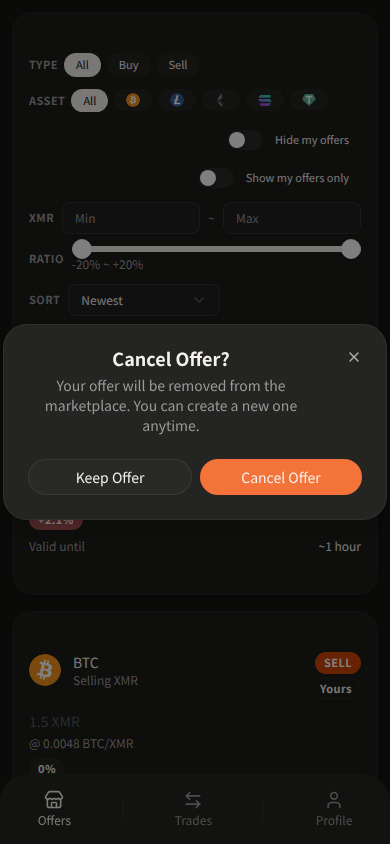
Confirm: “Cancel Offer?” / “Your offer will be removed from the marketplace. You can create a new one anytime.” / Keep Offer / Cancel Offer.
Expiry is automatic from the offer’s expiry time (countdown), not a separate end-listing control.
After a cancel — Request refund
When the chip is Cancelled and staked XMR is still in the trade wallet, the Seller sees: “Enter your trade share to request a refund of staked XMR minus platform fee.” Button: Request refund.
That is not Cancel Trade.
Cancel reasons
Trade detail: Trade cancelled / Reason: …
| Reason shown |
|---|
| Stake deposit timed out |
| Payment proof not submitted in time |
| Payment verification timed out |
| Cancelled by user |
| Invalid transaction hash |
| Payment verification failed |
| Withdrawal failed |
Unknown → “Unknown reason”.
Deadlines are live labels, not a hidden hour table: Stake deadline:, Proof submit deadline: (after that, auto-cancel and the seller can reclaim; manual cancel is not available once staked), Verification deadline: plus the 24-hour verification hint.
Trade #ref for /support
Official bot: @domestic_monero_bot — Open Mini App
Message the official bot with /support (or /support plus your question). Aim is 1–2 business days on Landing Contact copy.
Include:
- Trade #ref / trade ID — the short public ref on the Trades list and the trade detail heading (
Trade #AB12). About 4–8 letters/numbers; it skips 0/O/1/i/l. Not a database id. - Current trade chip (Created, Staked, …)
There is no Copy button on the heading — select or long-press it. Amounts and addresses on the same screen do have Copy.
Do not send private keys, wallet seeds, or OpenPGP passphrases.
Lost trade share: the app offers “Lost your trade share? Resend it via Telegram.” That is not /support inventing a new channel — it is still the official bot.